Creator Starter
For solo creators starting with replay-to-Shorts
$14.99 / month
7-day trial
- 1 short per day
- Shorts up to 30 seconds
- 1 connected social platform
- Capture and trim clips
- Auto captions (classic styles)
- Calendar review before publishing
For game & stream highlights
One Short. Four destinations.
Schedule up to 240 Shorts posts in 30 days with Creator Pro: 2 Shorts a day, each on up to 4 platforms
THE FLOW
01TRIGGER SETUP
Trigger with a hotkey or voice command while you keep creating.
Clador Forge detects each replay saved by Replay Buffer.
Clips land in Calendar on their own; if you want, preview, trim, edit, or cancel them before processing.
Clador Forge prepares your Short for TikTok, Instagram Reels, YouTube Shorts, and Facebook Reels.
PRODUCT PROOF
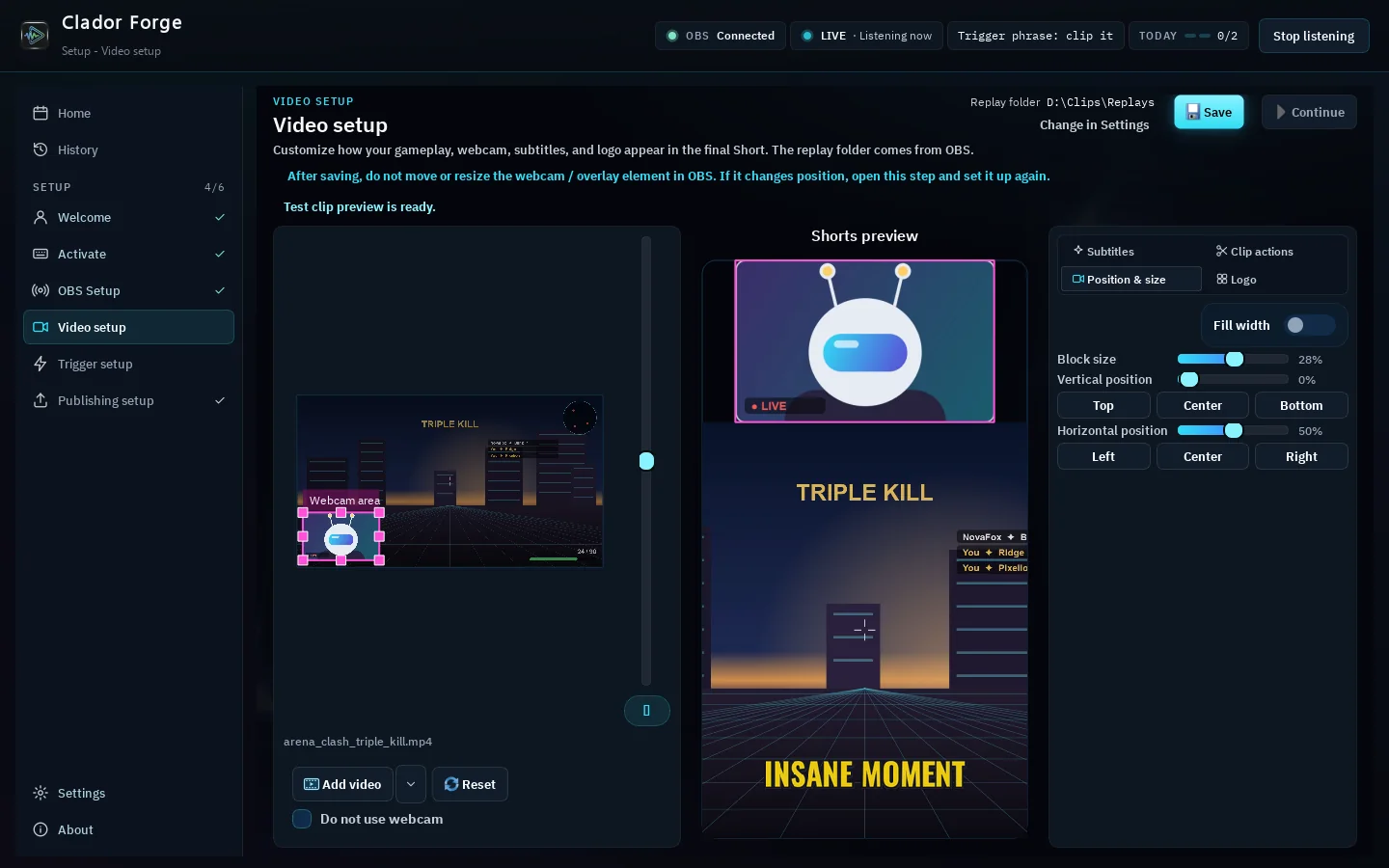
Final Short 1 of 12: Kinetic Scatter subtitle preset on a 9:16 gaming Short with the caption NO MERCY
CAPABILITIES
Caption and Shorts SEO languages
Checking captions and metadata before publishing is optional.
PRICING
For solo creators starting with replay-to-Shorts
$14.99 / month
7-day trial
Most popular
For creators publishing Shorts across platforms
$54.99 / month
7-day trial
Everything in Creator Starter, plus
FAQ
Yes. Clador Forge serves OBS creators through OBS Replay Buffer.
Yes. Clador Forge saves your clip and publishes it automatically at its scheduled time to all the networks you connected (YouTube Shorts, TikTok, Instagram Reels, Facebook Reels) through a publishing service. No review is needed - if you like, you can still edit or cancel a clip before it goes live.
Yes, if you want: preview, trim, edit, or cancel any Calendar clip before processing. It's optional - clips publish on their own.
TikTok, Instagram Reels, YouTube Shorts, and Facebook Reels.
Clador Forge does not guarantee views, income, monetization, or platform approval.
Clador Forge is paid: card required, $0 during the 7-day trial, then monthly until you cancel.
Create a Clador Forge account, verify email, and start the 7-day trial.
Your Clador Forge account shows access, subscription, and connection status.
THE FORGE
Capture the moment; Clador Forge schedules and publishes it for you.
Cancelling your subscription: Online, without signing in: the cancellation pageBy email: support@cladorforge.comBy phone (oral notice): 0543684514By registered post, to the postal address in our Legal Notice. To cancel, we need no more than your full name and ID number, or simply the email address of your account.