Blog
Practical guides for streamers: OBS Replay Buffer, saving moments and turning them into Shorts.
How to Convert Gameplay from 16:9 to 9:16
Choose a crop, full-frame, or split-screen layout for vertical gameplay. Keep the action, webcam, HUD, and captions readable when converting 16:9 to 9:16.
How to Turn OBS Replays into YouTube Shorts
Turn an OBS replay into a YouTube Short: choose the moment, frame it vertically, check captions and audio, export, and review the upload before publishing.
OBS Replay Buffer Not Saving: Troubleshooting Guide
Find why OBS Replay Buffer is not saving. Check the running buffer, save action, recording folder, shortcut conflicts, and logs in a practical order.
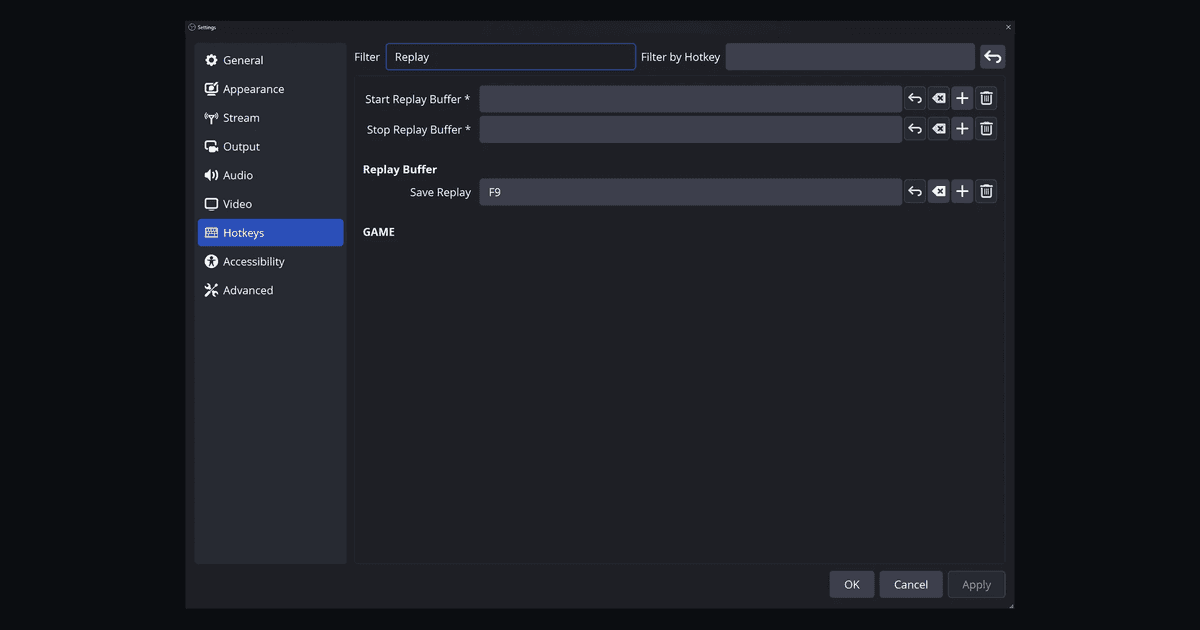
How to Save Gameplay Clips with One Hotkey
Configure one shortcut to save recent gameplay in OBS. Avoid key conflicts, test the hotkey in-game, and separate native capture from clip automation.
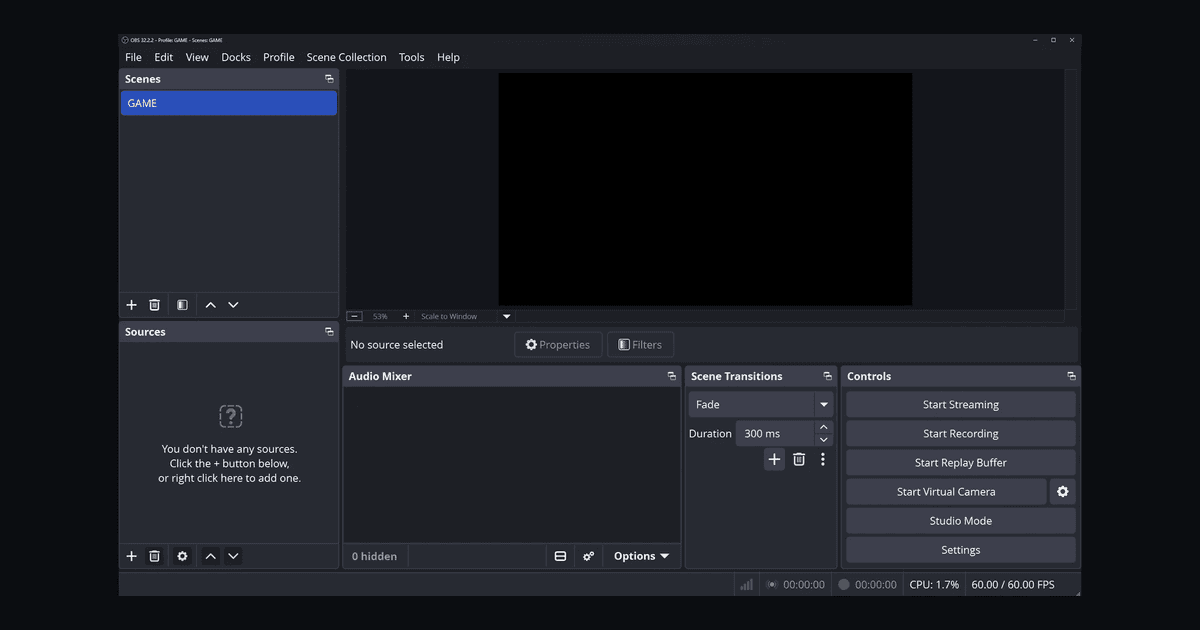
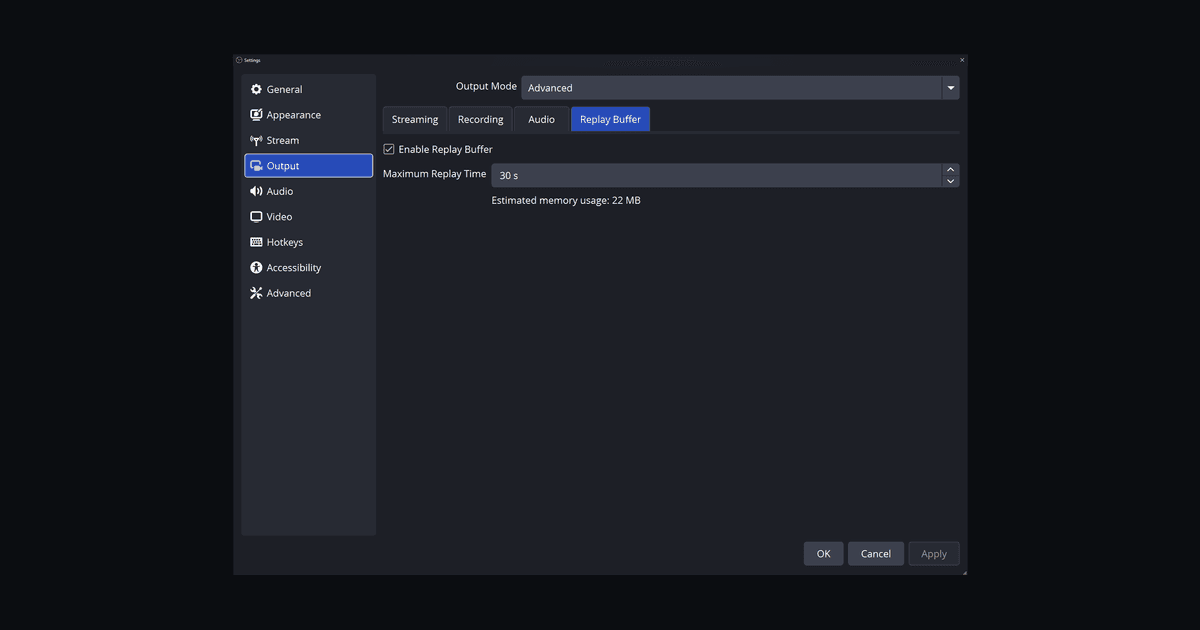
How to Set Up OBS Replay Buffer for Gaming Clips
Set up OBS Replay Buffer, choose a useful replay length, assign a save hotkey, and test your gameplay clips before turning highlights into Shorts.